Open the designer (you can do this from any space)| HTML Wrap |
|---|
| tag | span |
|---|
| class | product-navigation |
|---|
| Theme Press Control Panel → Theme Designer → Theme Tab → Themes → Manage Themes |
Click the magnifying glassThis will appear to the right of the Installed Themes setting. Select your zipped theme fileConfirmSelect OK to finalize uploading | HTML Wrap |
|---|
| 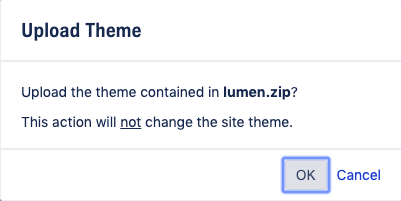 Image Added Image Added
|
|